Big Walk Beginner Guide
Last verified: August 5, 2026
Big Walk is a cooperative walking-and-talking adventure for 2–12 players, and it's unlike most multiplayer games you've played. There's no lobby queue, no bots, no solo mode — just you, some friends, and a handcrafted island that only opens up when you actually talk to each other. This beginner guide gets your group from "we bought it" to "we're lost together on a beautiful beach" with zero frustration.
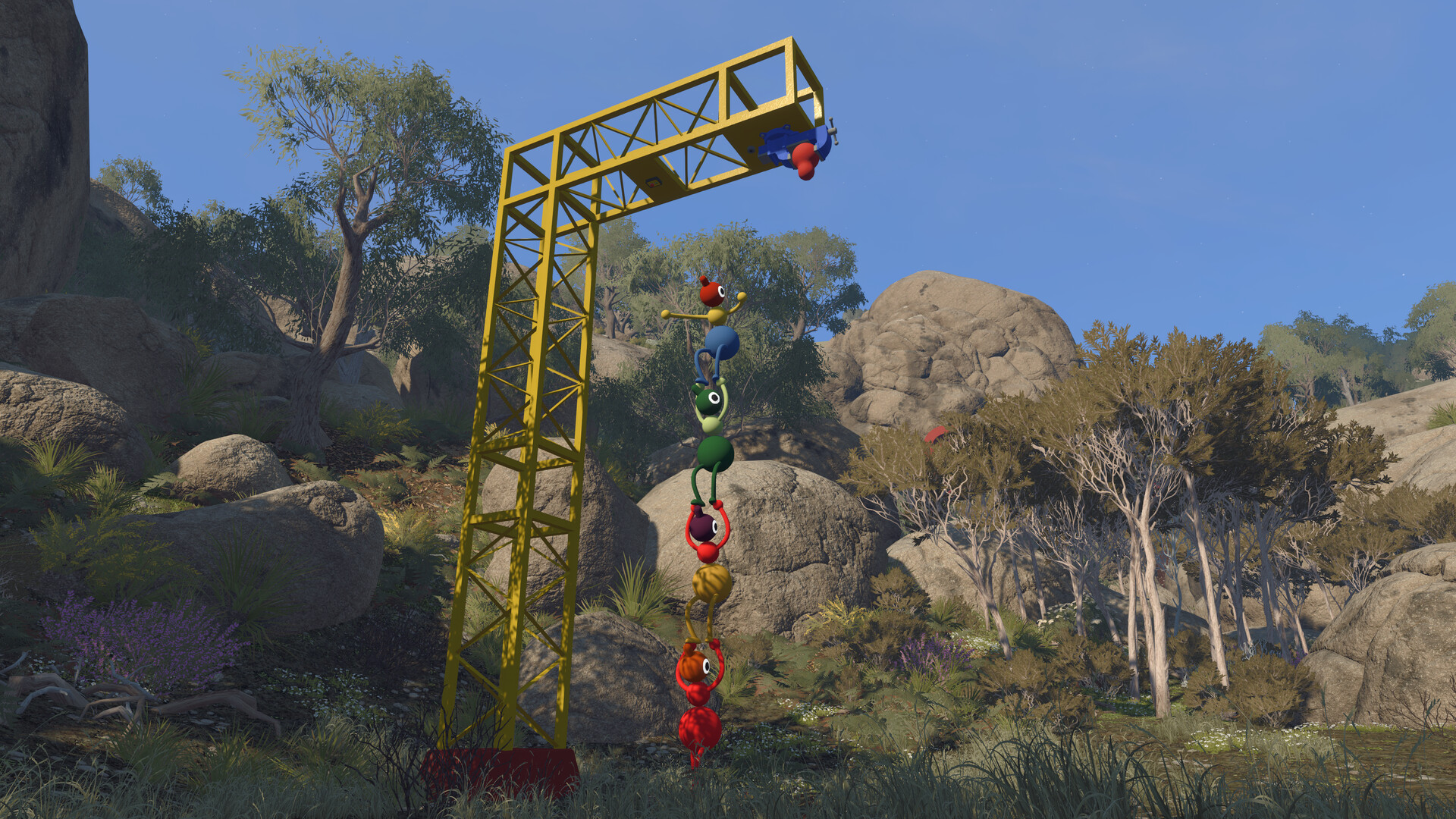
Everyone starts in the same little hall. Then the island happens.
What You Need Before You Start
- At least one friend. Big Walk requires a minimum of two players. There is no single-player mode — the whole game is built around teamwork and talking. (You can start a session alone and wander a little, but you won't get far.)
- A copy of the game. Big Walk is $19.99 (currently $14.99 with the launch discount on Steam) on Windows, Mac, PlayStation 5 and Nintendo Switch 2. Crossplay means platform doesn't matter — Steam, Mac App Store, PS5 and Switch 2 players can all share one walk.
- Compatible hardware. On PC: Windows 10 64-bit, an Intel Core i7-7700K or AMD Ryzen 5 1600X, 12 GB RAM and a GTX 750 Ti-class GPU. On Mac: macOS 15 with Apple Silicon (M1 or newer) and 16 GB RAM. Both mouse-and-keyboard and controllers work great.
- A willingness to talk. The game is designed around in-game voice and text chat. It's not optional flavor — it's the mechanic.
Set Up Your First Session
Big Walk has no matchmaking — by design. The developers want you to play with people you know, over multiple sessions, like a hiking club. Here's how a session works:
- Pick a host. One player starts the game first and becomes the host. The host is the keeper of the save file and all progress — everything is saved automatically as the host plays. When the host stops, everyone disconnects.
- Choose the world size. When the host starts a session, they pick a 2-player, 3-player or 4+ player version of the world. This isn't a player cap — it's a difficulty/tuning setting. Some puzzles change to fit the expected group size. Think of it as the minimum number of players who'll be participating.
- Invite your group. Friends on your platform's friends list will see your hosted game in a menu of active friend games. Not friends on any list? No problem — the host gets a short unique Join Code displayed in the host menu (and later under Session Details in the in-game menu). Share the code, friends type it in, done. Mac App Store players always use Join Codes, since that version doesn't support Game Center.
- Set a password if you want. Session Details lets you add or change a password while the game is running.
The Join Code is a short, unique code generated every time a host starts a session. It appears in the corner of the host menu before you begin, and you can find it again anytime under in-game menu → Session Details. It's the universal way to play with friends across different platforms.
Controls & Settings
Big Walk supports mouse-and-keyboard and most game controllers, including DualShock and the Nintendo Switch 2's mouse mode. Every control can be rebound under Settings → Rebinding, and the tutorial hall teaches the important verbs early:
- Walk, run, jump, crouch — movement basics, plus a sit-down (legs crossed) that's surprisingly useful for getting comfortable at viewpoints.
- Pick up & throw — objects, collectibles, and yes, other players. You can carry a friend on your shoulders, stack two players, or dropkick someone into a lake.
- Interact — buttons, machines, vices, radios and most puzzle objects.
Worth checking before your first session: the Field of View setting under Settings → Graphics (a higher FOV can reduce motion sickness), and the Motion Reduction Overlays under Settings → General.
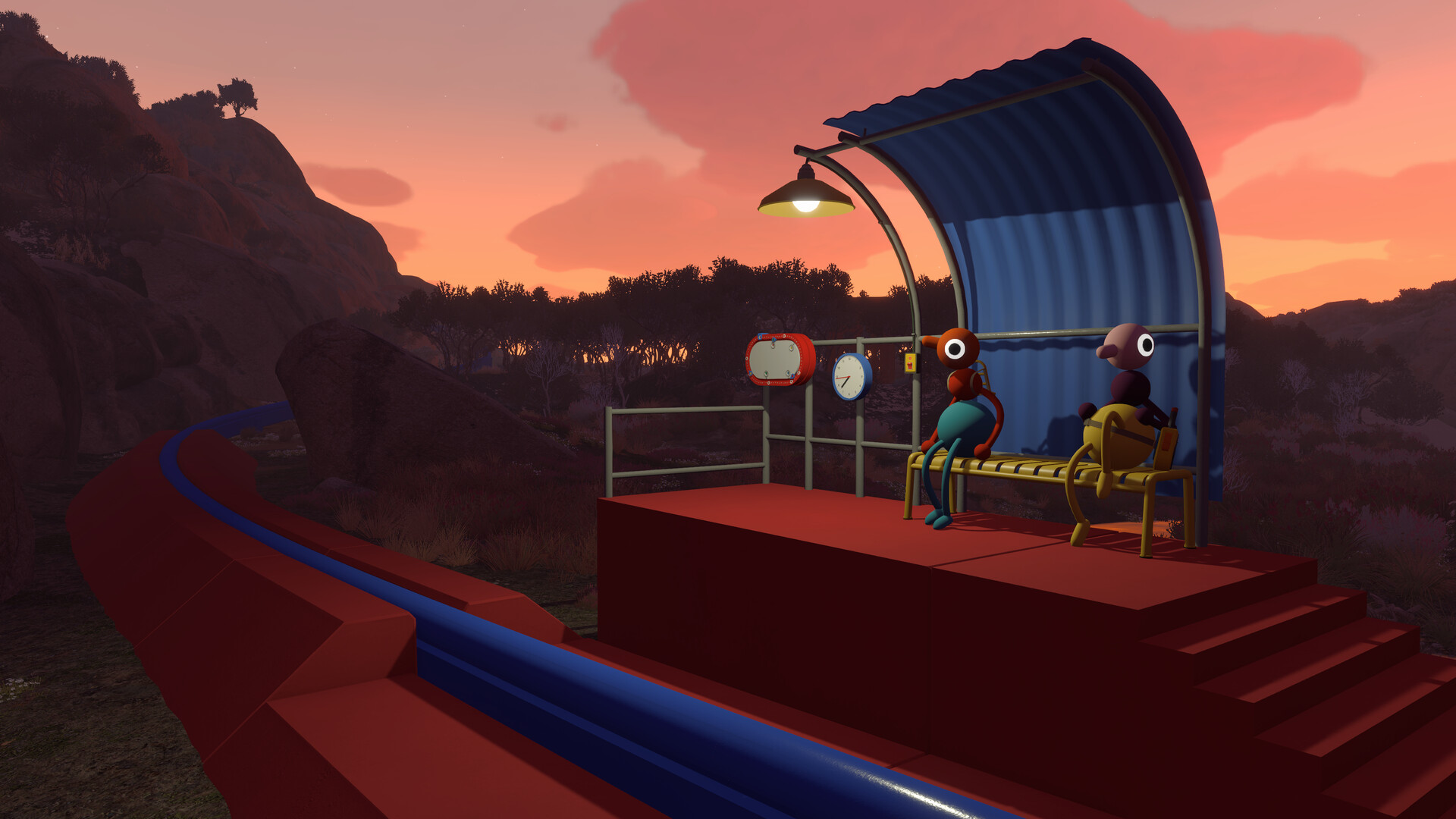
Learn the moves before you need them.
Your First 30 Minutes
Here's the shape of your first session, so nothing surprises you:
- 0–5 minutes: The hall. You spawn indoors with your group. A door leads outside. Take a minute to practice sitting, carrying and stacking before you leave — these moves are puzzle fundamentals.
- 5–15 minutes: The tutorial grounds. Outside is a small area with the auditorium, a few test structures, and the Lost & Found building. Fiddle with machines, find your first glowing orbs, and get used to how your voice carries (and stops carrying) as friends drift away.
- 15–30 minutes: The island opens. Past the tutorial, you'll see the beach, a tower with a telescope, and distant landmarks. This is where groups make their first real choice: go to the beach, climb the tower, or split up and meet back at the Lost & Found. Any choice is correct.
Don't stress about "progress" in session one. Big Walk is a long-form game played over many sessions; the host's save keeps everything. Spending your first hour just learning to communicate on the beach is a perfectly good first walk.
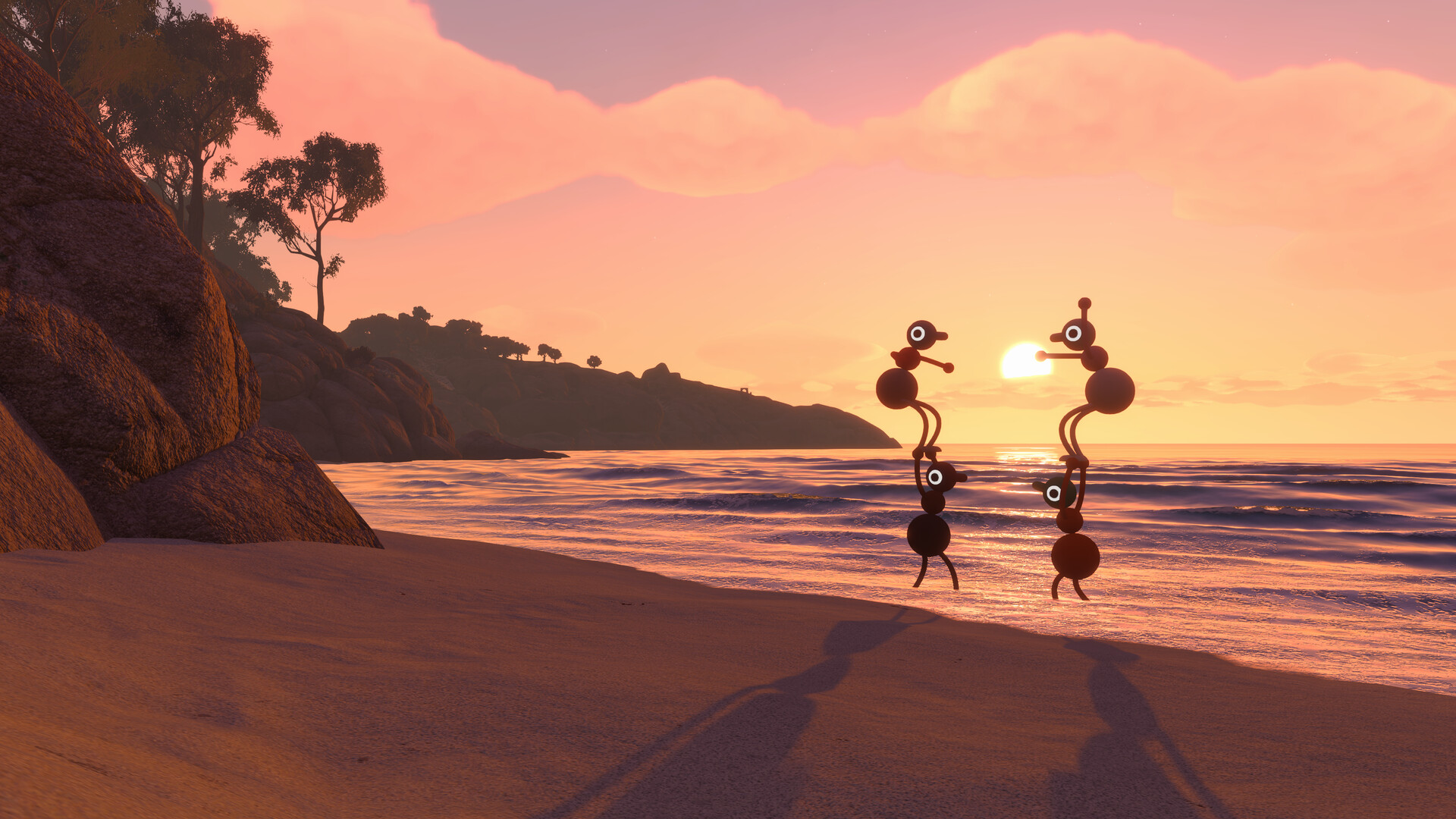
Every session is a lesson in talking.
Communication Basics
Big Walk's in-game chat is the heart of the game, and it behaves differently from any voice chat you've used:
- It's proximity-based. You can only hear players close to you. Walk away, and their voices fade. Walk far enough, and they vanish entirely.
- It can be blocked. Soundproof glass, certain walls and some puzzle structures cut your voice off completely. These moments are deliberate — you're meant to find another way to communicate.
- Text chat mirrors voice. If you don't use a mic, the text chat has the same range limits and the same interactions with items like walkie-talkies. A no-mic player can absolutely play the whole game.
- Walkie-talkies extend it. Pairs of walkie-talkies let two players talk across long distances. They're the single most useful tool in the game.
House House explicitly designed Big Walk so that external chat programs break the game — parts of the world won't make sense and puzzles lose their point. The game won't punish you for it, but you'll quietly miss the best parts. Trust the design: talk in-game.
Accessibility Features
Big Walk is one of the most accessibility-forward games released this year, and the beginner guide wouldn't be complete without it. Every player can:
- Skip any challenge. If a puzzle requires hearing, reading, speaking, typing, quick reactions or fine motor skills, the host can enable challenge skipping in the accessibility menu when starting a session.
- Rebind all controls and choose "hold" or "toggle" for some actions.
- Pick crosshair styles and adjust the FOV.
- Use Motion Reduction Overlays to help with first-person motion sickness.
- Rely on assist items like highlighting interactive objects, and characters can carry each other when needed.
The game also has Color Alternatives and an Adjustable Difficulty setting, and it's fully playable without timed input.
Common Beginner Mistakes
- Wandering too far alone without a plan. Getting lost is the game's design, but getting lost with no meet-up point is how sessions fall apart. Agree on a landmark before splitting.
- Using external voice chat. It feels like a shortcut and plays like a cheat code — it removes the puzzles' friction and the game gets boring.
- Ignoring the telescope and map room. The island is designed to be read from high places. Stuck groups are usually groups that haven't looked at the island from above.
- Picking a 12-player world for a first game. Start with 2–3 players. Learn the language of the island before adding chaos.
- Not assigning loadout roles. Decide who carries the map, the tools and the collectibles before a long hike — inventory is physical and limited.
Related Guides
Start your first walk
Big Walk is out now on Steam, Mac App Store, PlayStation 5 and Switch 2. Gather your friends — you can't do this one alone.